A museum of things we started
Picture a small gallery after closing time. Each plinth holds something someone started and then set down.
A scarf, still on its needles. A planner that is beautiful in January. A kettlebell, now a doorstop. A guitar that knows the intro to one song.
The last plinth is empty. Its light is on.
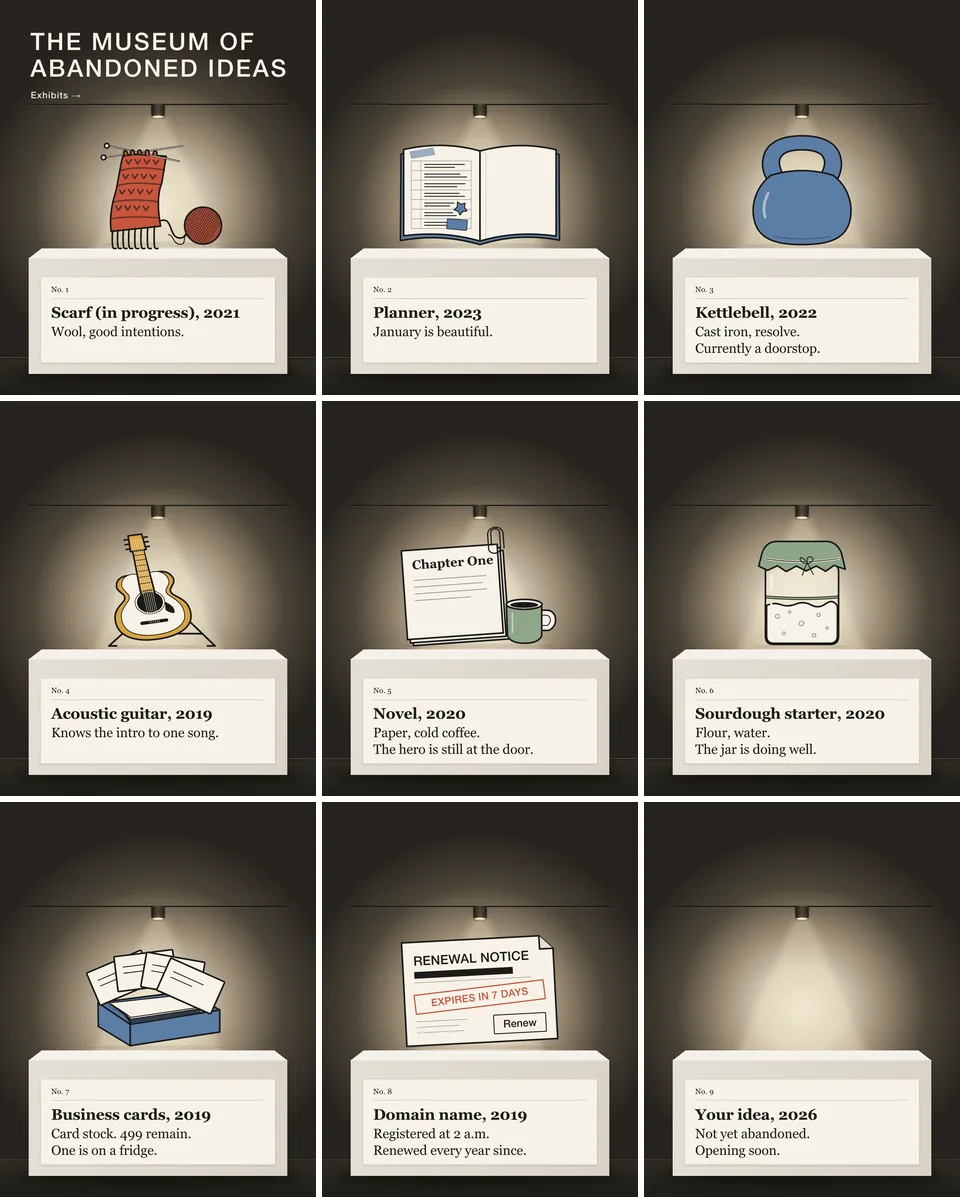
This is The Museum of Abandoned Ideas. We made it on 20 October to test a video toolkit that someone else wrote.
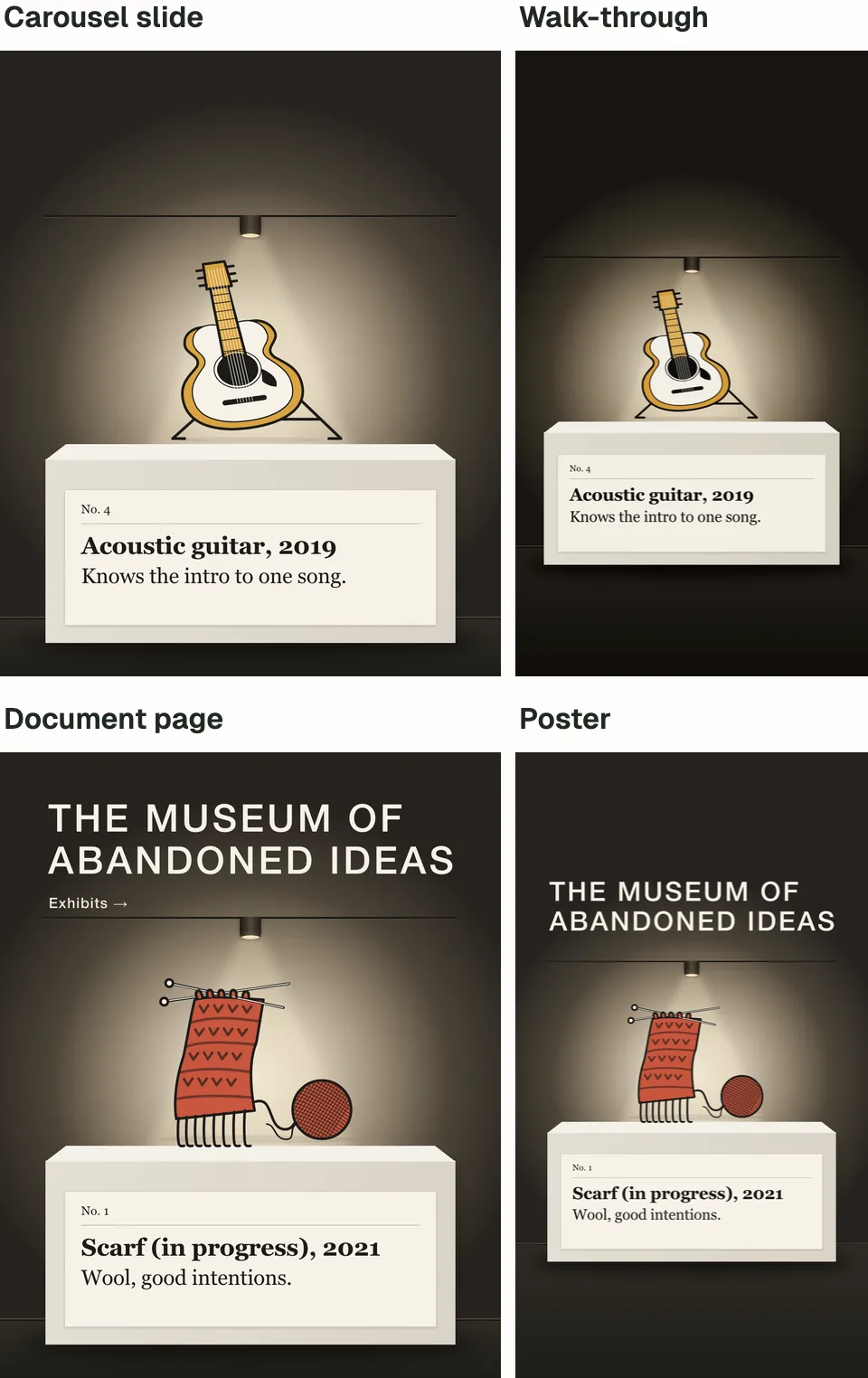
It came out in four formats. A carousel of nine slides, plus the same slides as one document. A tall walk-through video for phones, 20 seconds long, with quiet room sound. A poster. And a short GIF that loops.
All four match, because they are the same gallery.
The toolkit got us there. But at nearly every step, it got in the way. Each time, the agents needed a workaround, and every one was written down.
That list is the part worth keeping.
What we tested
The toolkit is super-video-maker-skill, published on GitHub by Bomx (Bomx/super-video-maker-skill). It is an agent skill: a folder of instructions and scripts that an AI agent reads before it starts work.
This one is about making videos. It has guides for writing, editing and building videos, two video templates and 17 recipes. A recipe is a saved plan for one kind of video, such as a person talking to camera or a product launch.
Some recipes call paid services for avatars, voices and generated footage. We skipped those. We used its free route: a recipe for motion graphics and a template that turns a web page into video. No key, login or sign-up was used.
On 20 October I had AI agents use it on my own computer. We fixed the toolkit at one version, from 9 August 2026, so it could not change mid-test. Two agents built the pieces, one for the slides and one for the walk-through. A lead agent directed them. A separate AI reviewer, on a different model, checked every piece.
What it did well
Credit first. Three things worked well.
One look, four formats. The slides and the walk-through were built from the same shared files, unchanged down to the last byte. So the room, the objects and the labels match. The poster is the walk-through's opening picture, and the GIF loops its first seven seconds.
The same picture every time. Each piece starts as a web page, drawn in code. The video software moves through it one moment at a time and saves each moment as a picture. Ask for the same moment twice, and you should get the same picture, pixel for pixel. In a test, one agent asked for three moments twice each, out of order. Not one pixel differed. A still captured twice came out as the same file.
So a piece someone approves can be made again exactly. That holds as long as nothing underneath it changes, which is the catch below.
A checklist for the words. Its guide to words on screen comes with a checklist. One agent worked through it before any final video existed. It showed that four labels left the screen too soon to read. The timing changed before the walk-through was made.
The build took about an hour, with the two agents working side by side, not counting the review.
Where the skill got in the way
Yesterday I wrote about the settings a borrowed film tool came with. This is a different problem. Here, the skill itself kept getting in the way.
| Step | What went wrong | What we did |
|---|---|---|
| Making the video | The command in the instructions stopped with an error | Used a slightly different command |
| Running its tools | The instructions pointed at a folder that was not there | Ran the tools from where they really were |
| Choosing a recipe | The part that picks one picked the wrong one, twice | Named the recipe ourselves |
| Video software | It asked for whatever version was newest | Fixed it to one version |
| Fonts and browser | It fetched a font from the web by itself and ignored where to keep its browser | Copied fonts into the project and set up one fixed browser |
| Slides and a document | It had no way to make either | Built them outside its plan |
| Shared files | A slide came out broken, yet the software reported success | Copied the shared files into each project |
| Checking the result | Its own check looked at very little | Checked each file against our own list |
The instructions were wrong in places. The command for making a video stopped with an error; a slightly different one worked. Every tool command in the main instructions starts from a folder the download does not have. That folder only appears after an install step nobody describes. So the agents ran the tools from where they really were.
Its guesses were wrong. You describe what you want, and it suggests a recipe. For the museum, every recipe scored zero, and it still offered one for short clips of a web browser. For the walk-through, it offered a recipe for product launch films, not the motion graphics one it needed. Both agents named the right recipe themselves.
It changed and fetched things on its own. The template asks for whatever version of its video software is newest that day, so we fixed it to one. On a first test, that software fetched a font from the web by itself and saved it outside the project folder. It also ignored where we told it to keep its browser, so the agents set one up inside the project. The final pieces used fonts copied into the project, and the logs show no font fetched.
It did not cover the whole job. Its plan for this kind of video makes video only, and assumes 45 seconds. The software underneath can take sharp still pictures, but the plan never asks for them. So the agents built the slides and the document outside it.
Its checks said yes too easily. Its built-in check looks at the video type and for black gaps of half a second or more. It does not count the pictures, or check how fast they play, how loud it is or what is hidden in the file. When one slide used files from outside its own folder, the picture came out broken. The video software still reported success. So we copied the shared files into each project and checked every file against our own list.
The workarounds are the handover
A borrowed skill is a handover from a stranger.
Making a first version of something is quick now. The slow part is the handover, from the person who knows to the person who does not.
Whoever writes a skill writes it from their own setup. This one assumed a folder we did not have, an install step it never describes and whatever software was newest. The workarounds show where their setup and yours part ways.
Written down, those workarounds become your team's working version of the skill. Without the list, the next person meets every problem again.
So before your team adopts a borrowed skill, do five things.
- Run it once on something small. Keep a list of every place it needed help.
- Fix the versions. Hold the skill, and everything it installs, to one version each.
- Name the recipe yourself. Do not leave the choice to the part that guesses.
- Watch what it fetches. Note anything it downloads on its own, and where it puts it.
- Keep your own checks. Decide what a finished file must be, and test for that.
Then hand the list to the next person.
What we did not test
We made the museum for this test, not for a client. We have not tested it on real viewers.
Nobody listened to the sound. The footsteps, soft ticks and light switch were made in code and checked by measuring them, not by ear.
The paid recipes stayed untested, so we cannot say what they are worth. Where could the free route fit? A launch post, a campaign series or a seasonal version of one idea. A second version with only the words changed should be simple, since the same moment always comes out the same. We have not tried it.
Then the licence. We found no licence file at the top of the copy we tested. Check with the author before any commercial use.
The last plinth
The walk-through ends in the last room. A light comes on over the empty plinth, and its label writes itself.

"Your idea, 2026. Not yet abandoned. Opening soon."
Maybe your team has a skill on a plinth like this. Someone tried it once, hit a wall and set it down.
If your team is adopting an agent skill, bring it to a free 15-minute call. After the call, we work through what it needs with you. That means the versions to fix, the checks to keep and who owns the list. Then you get a proposal with a custom quote.
The plinth is still empty. The light is already on.
We read the super-video-maker-skill repository at its 9 August 2026 version on 20 October 2026. We used it the same day on one computer, with its paid parts skipped. We found no licence file at the top of that copy.